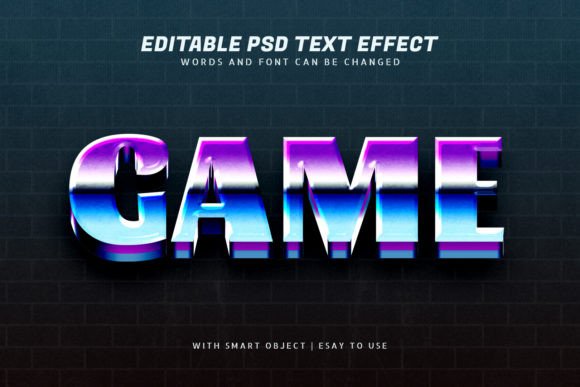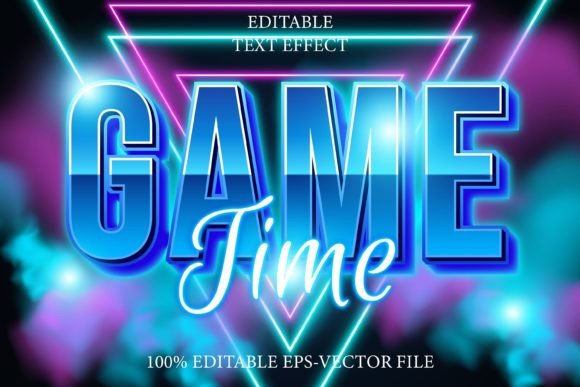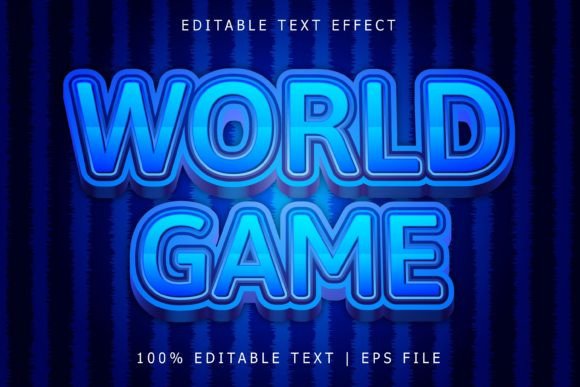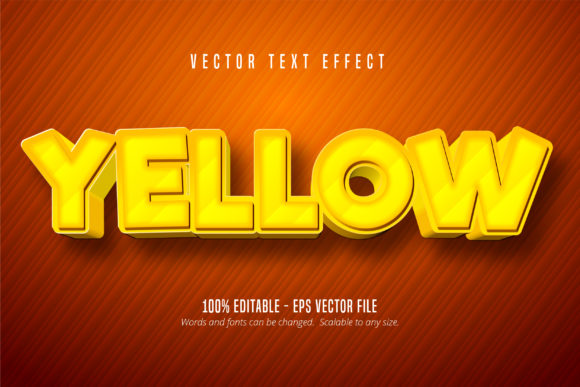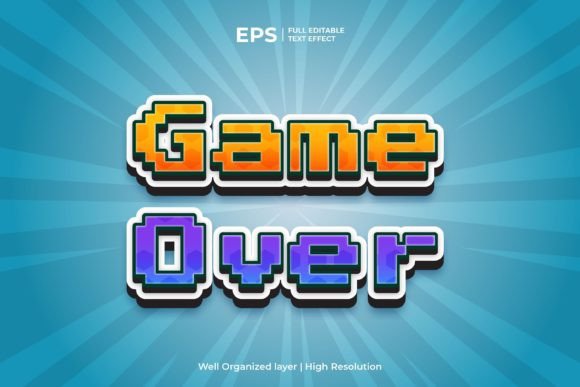
Retro Game Over Editable Text Effect
Imagine transforming your text into a pixel-perfect, nostalgic masterpiece with a single click. That’s the power of a well-designed retro text effect, specifically the Retro Game Over Editable Text Effect. This specialized design asset brings the iconic, arcade-inspired "Game Over" aesthetic directly into your Adobe Illustrator projects, offering a quick and impactful way to inject vintage gaming charm into your work.
This isn't just a static image. It's a fully editable text effect built for Adobe Illustrator. You have complete control. Simply open the EPS CC file, highlight the text, and type whatever you want. The effect—complete with its subtle textures, bold outlines, and classic color palette—will be automatically applied to your new words. This flexibility makes it an invaluable tool for designers who value both efficiency and a high-quality, professional finish.
Where Can This Retro Text Effect Shine?
The versatility of this Game Over retro text effect makes it suitable for a wide range of creative and commercial projects. Its distinct style is perfect for capturing attention and evoking a sense of fun, nostalgia, and excitement.
- Logo & Brand Identity: Create standout logos for gaming channels, retro-themed cafes, tech startups, or any brand wanting a playful, vintage edge.
- Poster & Event Design: Design eye-catching posters for game launches, arcade nights, retro parties, or music festivals.
- Social Media Graphics: Craft engaging thumbnails, banners, and promotional posts that stop the scroll with their bold, nostalgic appeal.
- Packaging & Merchandise: Apply the effect to product packaging, t-shirt designs, stickers, and mugs for a cohesive and marketable retro line.
- Editorial & Web Design: Use it for headlines in articles, magazine layouts, or website hero sections to create an immediate visual impact.
Tips for Choosing and Using Your Font Effectively
While this specific asset is an editable text effect, the principles of good typography still apply. Here’s how to get the most out of it:
First, consider readability. The retro arcade style is inherently bold, but ensure your final text is clear at the intended size, especially for longer phrases. Second, match the mood. This effect screams fun, nostalgia, and energy. It’s perfect for projects aligned with gaming, entertainment, or youthful branding, but may not suit a formal corporate report.
Third, think about font pairing. Since the effect applies to your chosen font, select a typeface that complements the retro vibe. A clean sans serif or a geometric font often works well as a supporting body text. Finally, always check the license. This asset is designed for commercial use, but reviewing the terms ensures it fits your specific project, whether it's for a client or your own brand identity.
Choosing the right design assets like this retro text effect is about more than just aesthetics; it’s about efficiency and quality. It saves you hours of manual styling while ensuring a consistent, polished look that elevates your entire project. A strong, thematic typeface or effect becomes a cornerstone of your visual language, enhancing recognition and professionalism. For designers seeking a reliable and visually striking tool to create that classic arcade feel, this editable text effect for Adobe Illustrator offers a straightforward and powerful solution.