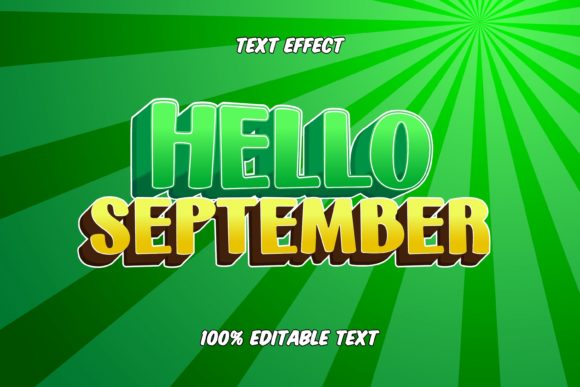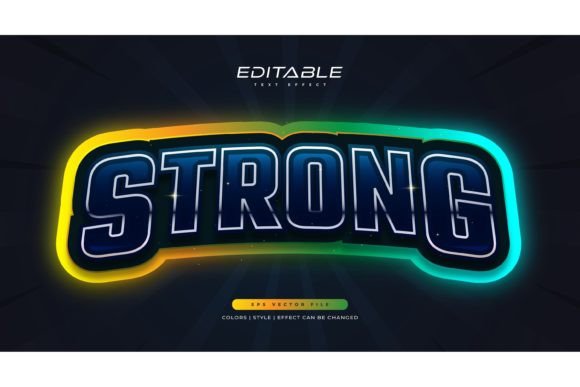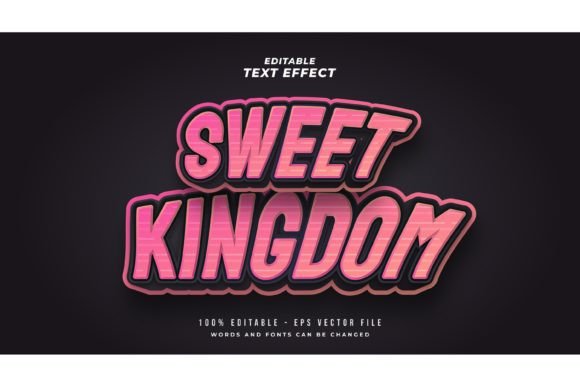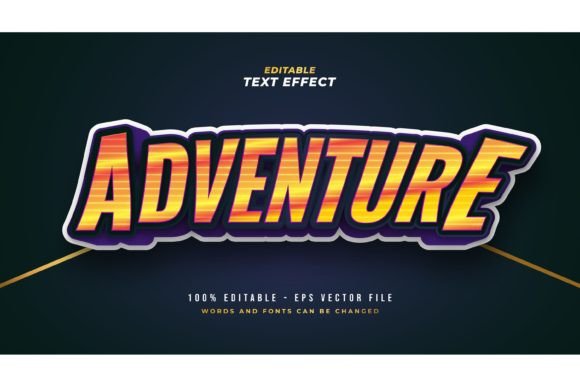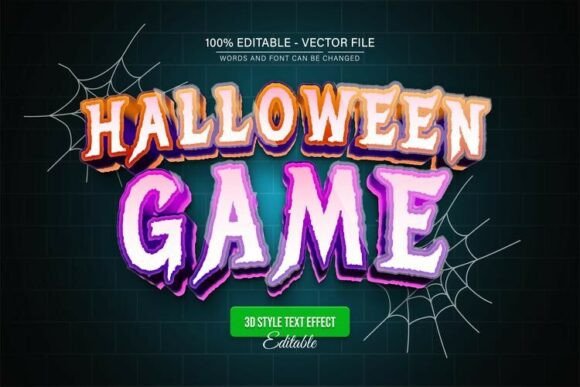
Spooky Halloween Game 3D Text Effect: Unleash Your Creativity
Imagine transforming ordinary headlines into a spine-tingling visual experience that immediately captures attention. The Spooky Halloween Game 3D Text Effect is a fully editable vector design asset crafted to bring a dramatic, dimensional quality to your typography. This isn't just a static image; it's a dynamic tool designed for creators who need to produce high-impact visuals quickly and professionally. Whether you're designing for the holiday season or working on a project that requires a bold, thematic look, this resource provides a polished foundation.
This design effect excels in scenarios where a standard font simply won't do. Its primary value lies in its ability to convey a specific mood—eerie, playful, or fantastical—through shape, depth, and texture. Think of it as a specialized piece of your design toolkit, perfect for projects that demand a strong visual identity without the time investment of creating complex 3D text from scratch. It’s particularly useful for:
- Logo Design & Branding: Crafting memorable logos for game studios, haunted attractions, themed events, or brands with a quirky, dark aesthetic.
- Packaging Design: Creating eye-catching product labels for seasonal treats, specialty beverages, or novelty items that need to stand out on shelves.
- Poster & Flyer Design: Developing promotional materials for Halloween parties, movie nights, book covers, or community events that require instant thematic impact.
- Social Media Graphics & Web Design: Generating engaging visuals for online campaigns, banners, headers, or digital advertisements that need to stop the scroll.
- Merchandise & Invitations: Designing unique t-shirt graphics, merchandise, or spooky party invitations that look professionally printed.
A Fully Editable Vector for Unlimited Flexibility
What makes this particular asset so valuable is its format. Delivered as an EPS vector file alongside a high-quality JPG, it offers unparalleled control. As a fully editable vector design, you can scale it to any size—from a small web icon to a massive billboard—without any loss in quality. The text is not an image; it's editable paths within Adobe Illustrator, meaning you can change the wording, adjust the font, or modify the effect to suit your exact needs. This transforms it from a single-use graphic into a versatile, reusable component of your design assets.
The practical benefits are clear. You can achieve unlimited color variations by simply editing the swatches in Illustrator, ensuring the effect perfectly matches your project's color palette. The process is designed to be accessible: open the file, use the Type Tool to click and edit the text, and adjust as needed. This ease of use, combined with its professional output, makes it a smart choice for both seasoned designers and those with less technical experience looking for a premium font effect.
Tips for Choosing and Using a Text Effect
When incorporating a powerful design element like this, a few considerations will help you maximize its impact. First, always consider the context and readability. While the effect is dramatic, ensure the final text is legible at the intended size, especially for body copy or critical information. Its strength is in headlines and display text. Second, think about font pairing. If you're using this effect for a title, pair it with a clean, simple sans-serif or serif font for supporting text to create a balanced and professional layout.
Finally, align the asset with your project's overall mood. This 3D text effect has a distinct character—playful yet spooky, reminiscent of classic game titles. It will naturally fit projects with a Halloween theme, horror genre, or retro-gaming vibe. For more subtle or elegant designs, you might reserve it for special accents. By matching the visual tone of your typography to the project's message, you strengthen brand identity and create a more cohesive and impactful design.
Selecting the right typeface or text effect is a fundamental step in building a polished visual presence. A well-chosen asset like the Spooky Halloween Game 3D Text Effect does more than just decorate; it communicates. It sets a tone, establishes a visual hierarchy, and contributes significantly to the professional presentation of your work. By integrating a high-quality, editable vector into your workflow, you empower yourself to produce consistent, high-caliber graphics that resonate with your audience and elevate your creative projects.