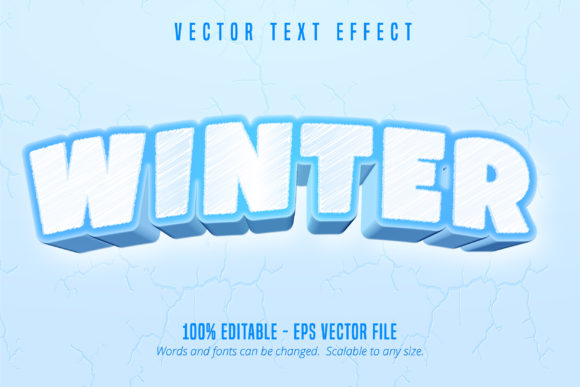
Winter Game Style Editable Text Effect
Capture the playful, frosty energy of a classic winter video game with a dynamic text treatment that makes any headline pop. The Winter Game Style Editable Text Effect is a versatile design asset that transforms ordinary text into a vibrant, cartoonish graphic perfect for seasonal projects. Unlike a static font, this effect is built for Adobe Illustrator, offering complete creative control over your typography to match the exact look of your winter-themed designs.
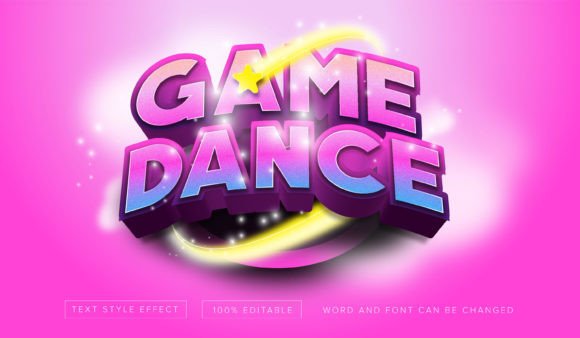
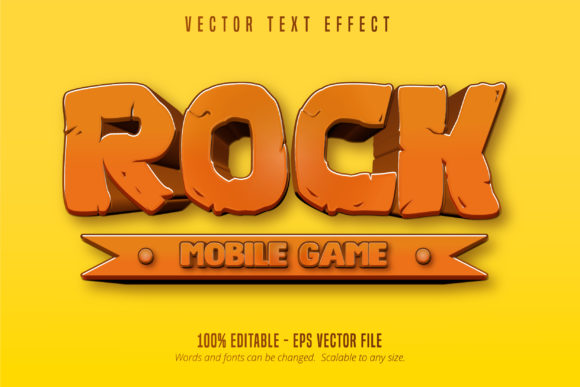
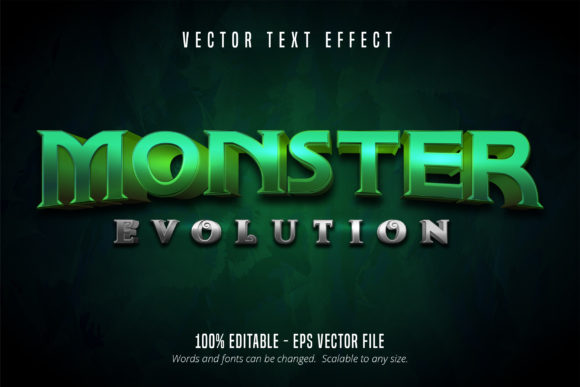
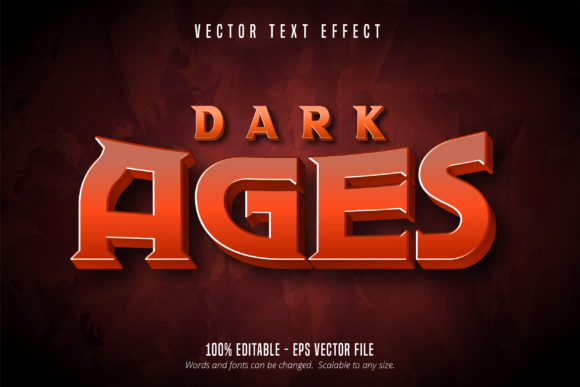
This particular text effect is designed for creators who need a bold, high-impact visual style. It mimics the aesthetic of pixel art and cartoon game interfaces, featuring chunky, rounded letterforms with icy gradients, snowy textures, and playful drop shadows. Because it's an editable vector effect, you can change the words, colors, and even the underlying font to suit your needs. This makes it a powerful tool for anyone working on projects that require a fun, nostalgic, and unmistakably wintry vibe.
Where This Creative Font Style Shines
The applications for a cartoon game style editable text effect are surprisingly broad, extending far beyond literal game design. Its cheerful and approachable look makes it ideal for projects aimed at families, children, or anyone with a love for retro-inspired fun. Consider using it to create standout social media graphics for holiday sales or winter announcements. The effect ensures your text is eye-catching in a crowded feed, conveying excitement and seasonal cheer instantly.
For branding and logo design, especially for businesses like ski resorts, winter camps, holiday event planners, or children's entertainment companies, this effect can inject personality and memorability. It helps establish a brand identity that feels energetic and joyful. Similarly, it works wonders on packaging design for seasonal products, from hot cocoa mixes to holiday treats, where a playful, premium look can influence purchasing decisions.
Practical Tips for Using Your Winter Text Effect
When you download this design asset, you're getting an EPS file compatible with Adobe Illustrator CS6 and later. Here’s how to get the most out of it:
- Customize for Your Project: The 100% editable nature is its biggest strength. Don't just type new words; experiment with changing the base font to a different sans serif or script font to see how the effect adapts. Adjust the color palette to match your brand's winter campaign.
- Ensure Readability: While the style is bold, always test your final design at the size it will be used. A poster headline has different requirements than a small website banner. The scalable vector format means you can resize without losing quality.
- Think About Font Pairing: For body text or secondary information, pair this display font with a clean, simple sans serif or serif font. This contrast ensures your main message stands out while the supporting text remains easy to read, creating a balanced and professional layout.
Choosing the right typeface or text effect is a crucial step in effective visual communication. It sets the tone, conveys emotion, and builds recognition. The Winter Game Style Editable Text Effect provides a unique solution for injecting a specific, joyful aesthetic into your work. By selecting a well-crafted asset like this, you equip yourself with a flexible tool that can elevate your designs, making them more engaging, polished, and perfectly suited to the season's festive spirit.