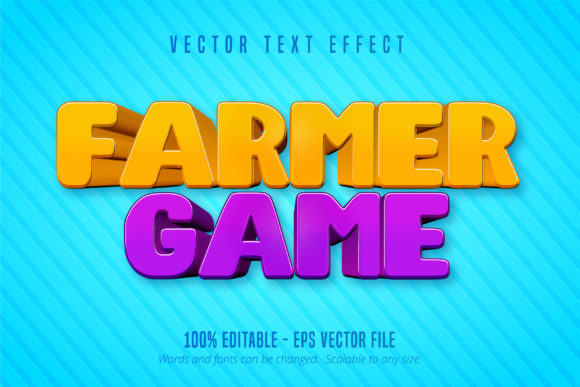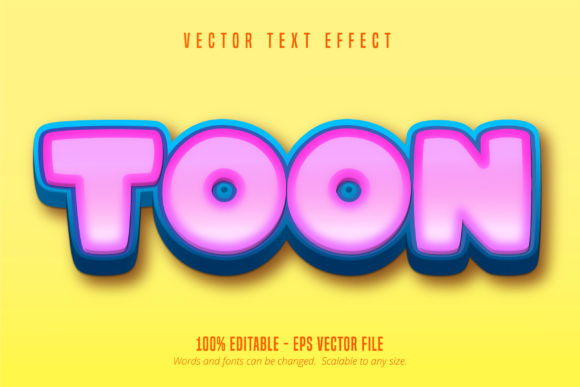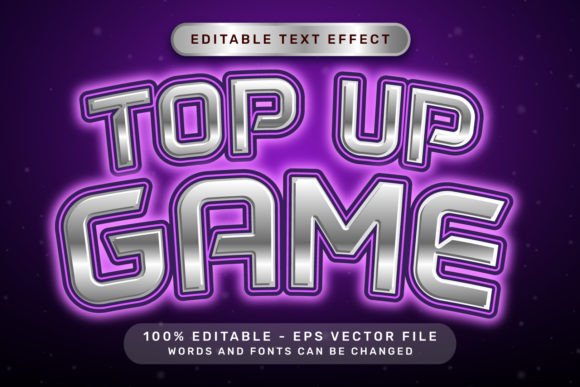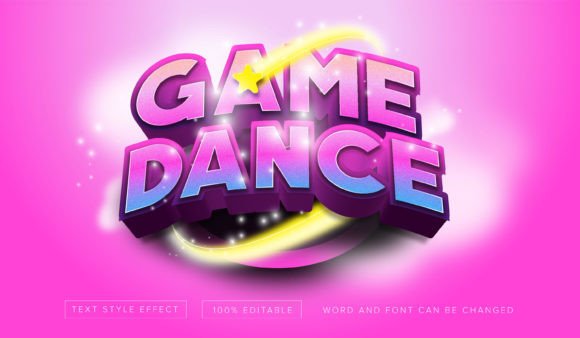
Game Mania 3D Text Effect: Unlock Dynamic Adobe Illustrator Designs
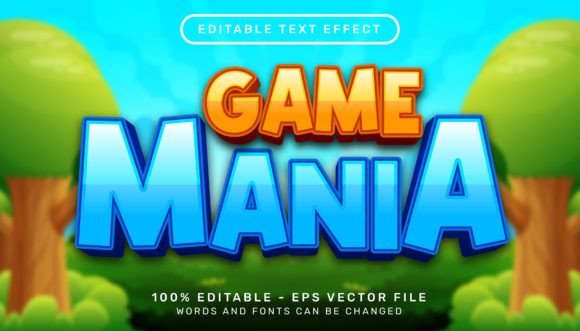
Elevate your designs instantly with the captivating depth of the Game Mania 3D Text Effect. This isn't just another static typeface; it's a powerful Adobe Illustrator tool designed to transform ordinary letters into bold, dimensional statements. Imagine your headlines leaping off the page with realistic wood texture backgrounds and striking 3D extrusion, all achieved with just a few clicks. Whether you're crafting a logo, designing a poster, or creating eye-catching social media graphics, this editable text effect provides the visual punch your projects demand.
At its core, this asset is a meticulously crafted vector style for Adobe Illustrator. It applies a stunning 3D appearance, complete with lighting, shadows, and a rich wood grain texture, directly to your live text. The beauty lies in its simplicity and flexibility. Simply select your text, apply the Game Mania graphic style, and watch it transform. You retain full control—change the wording, swap the font, adjust the size, or modify the colors while the 3D effect remains perfectly intact. This makes it an incredibly versatile asset for dynamic branding, logo design, and impactful editorial layouts.
Where Can You Use This 3D Text Effect?
The applications are vast, making it a valuable addition to any designer's toolkit. Its bold, tactile quality is perfect for projects that need to grab attention and convey a sense of excitement or craftsmanship.
- Logo and Brand Identity: Create memorable logos for gaming brands, sports teams, or entertainment companies. The wood texture adds a unique, rugged character that stands out from flat design trends.
- Poster and Event Design: Design concert posters, movie titles, or event flyers where the text itself needs to be a central, engaging visual element.
- Packaging and Merchandise: Apply it to product labels, apparel mockups, or merchandise branding to give items a premium, textured feel.
- Social Media and Web Graphics: Make your YouTube thumbnails, Instagram posts, or website banners impossible to scroll past with this high-impact typographic treatment.
Practical Tips for Seamless Integration
To get the most out of this effect, consider a few practical design principles. First, always test readability. While the effect is bold, ensure your chosen sentence length and font pairing maintain clarity at the intended size. The effect works best with display or sans serif fonts that have strong, simple letterforms. Experiment with font pairings—try combining your 3D headline with a clean sans serif or a simple serif font for body text to create visual hierarchy and balance.
Second, match the mood. The inherent wood texture background suggests a specific aesthetic—perhaps retro, rustic, or action-oriented. Ensure this aligns with your project's overall theme. For a more versatile look, you can often modify the texture or color tones within Illustrator's appearance panel after applying the style. Lastly, always verify the license fits your intended use, whether for personal projects or commercial client work, to ensure full compliance.
Choosing the right design assets, like the Game Mania 3D Text Effect, is about more than just aesthetics; it's about efficiency and professionalism. This asset eliminates the complex, time-consuming process of manually creating 3D text from scratch. It delivers consistent, high-quality results every time, helping you maintain visual consistency across a campaign or brand identity. By integrating such a polished, ready-to-use tool into your workflow, you free up creative energy to focus on broader design concepts, ultimately producing more sophisticated and compelling work that resonates with your audience.